Pick a reference.
Choose a photo with one person and a clearly visible pose. Posey finds the body’s key points, right on your iPhone.
 posey
poseyYou found the pose. Now get the photo. Posey turns your inspiration into a camera guide, with little tips along the way.
Meet your pose guideMade for iPhone · iOS 17+ · Currently in private beta
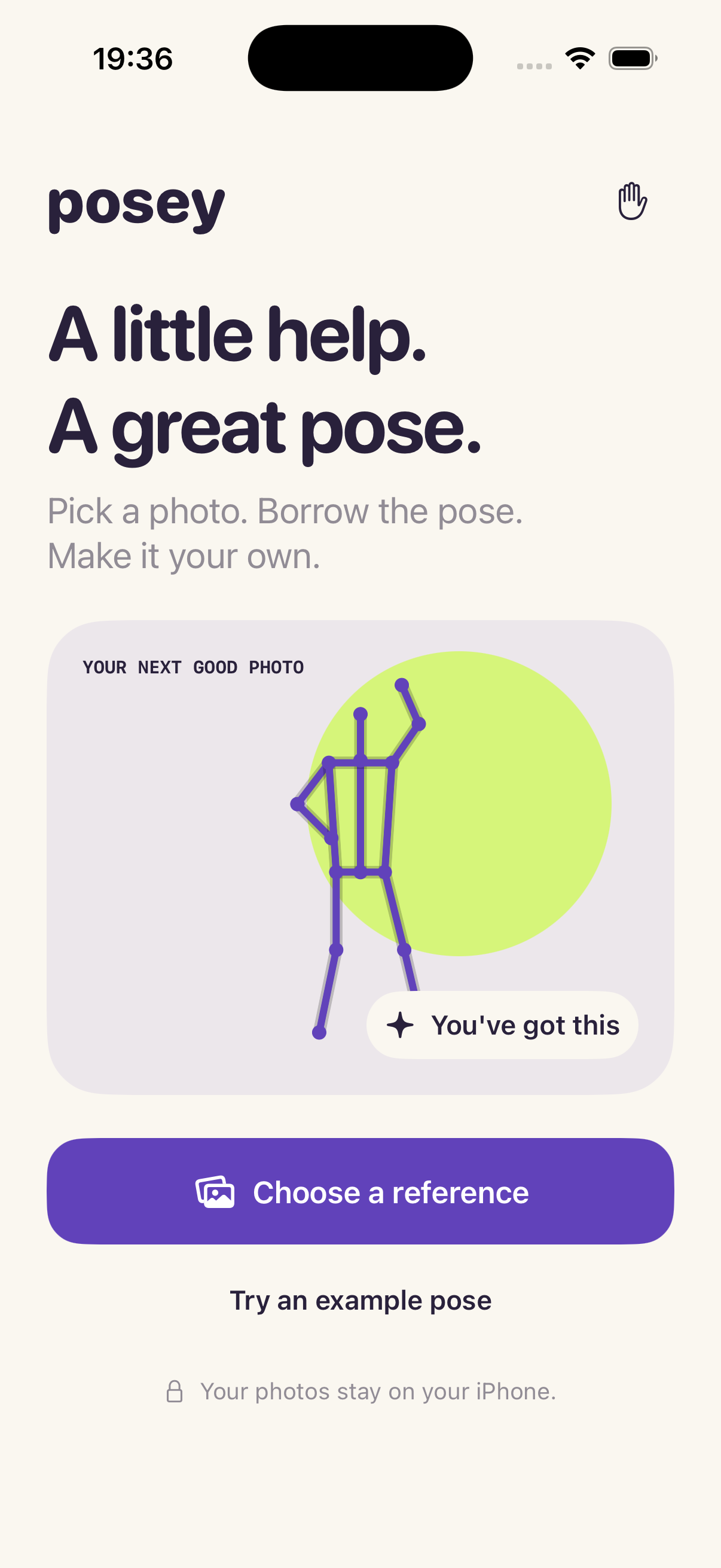
Keep your own subject, setting and style. Posey helps with the part that’s hard to explain: where to put an arm, how to bend a knee, when it’s looking close.
Choose a photo with one person and a clearly visible pose. Posey finds the body’s key points, right on your iPhone.
A pose outline sits over your camera. Follow the live hints, or move, resize and mirror the guide to suit your shot.
Take the photo when it feels right. Review it, then save a clean image to Photos. The guide stays out of the picture.
Pose detection runs on your iPhone. Posey doesn’t send reference photos or camera frames to Makepad. Private camera use needs no account. Community contributions are uploaded only when you choose to share. No ads or in-app analytics.
Read the privacy policyPosey is in private beta. Questions or feedback? We’d love to hear from you.